



How to set the date on an automatic or quartz watch ?
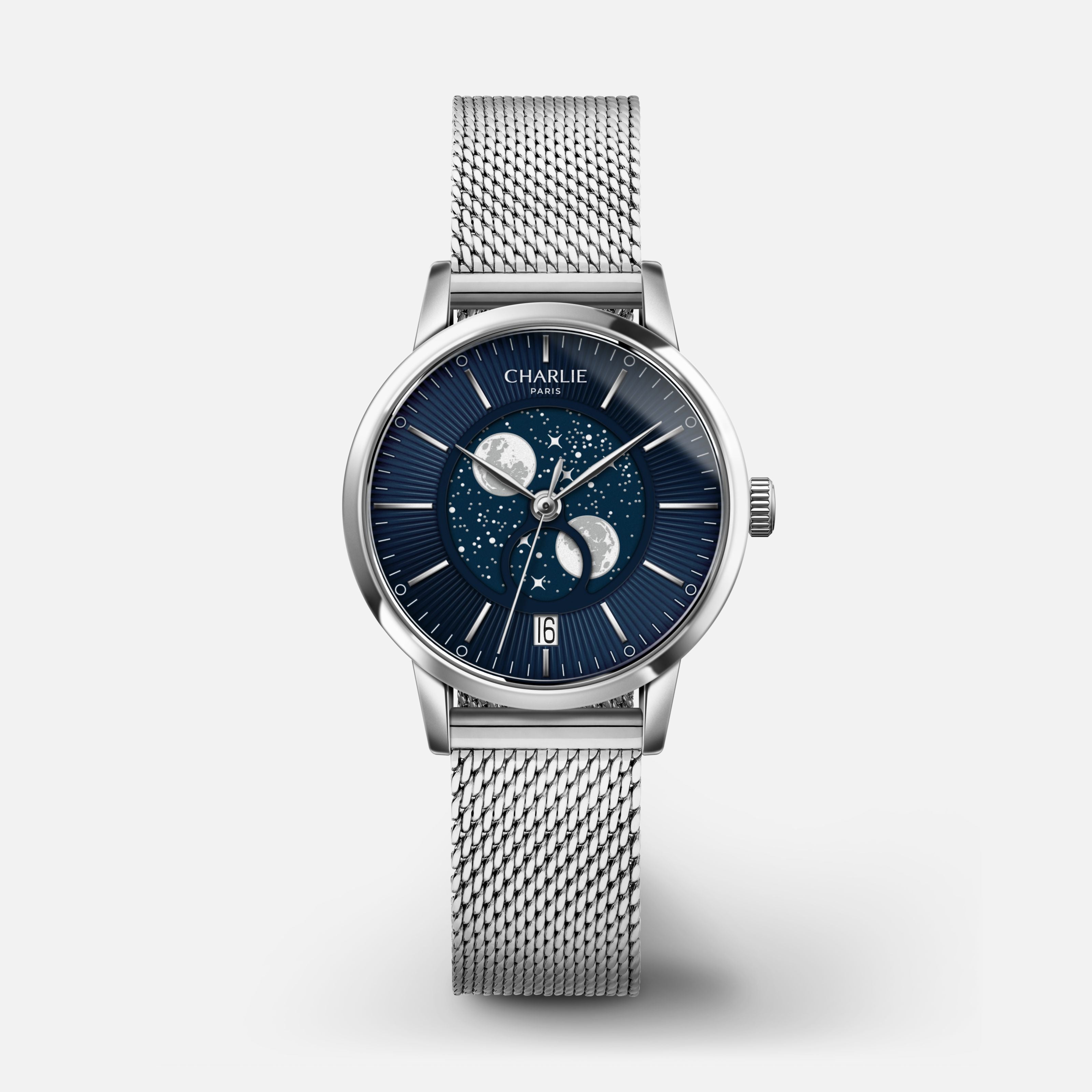
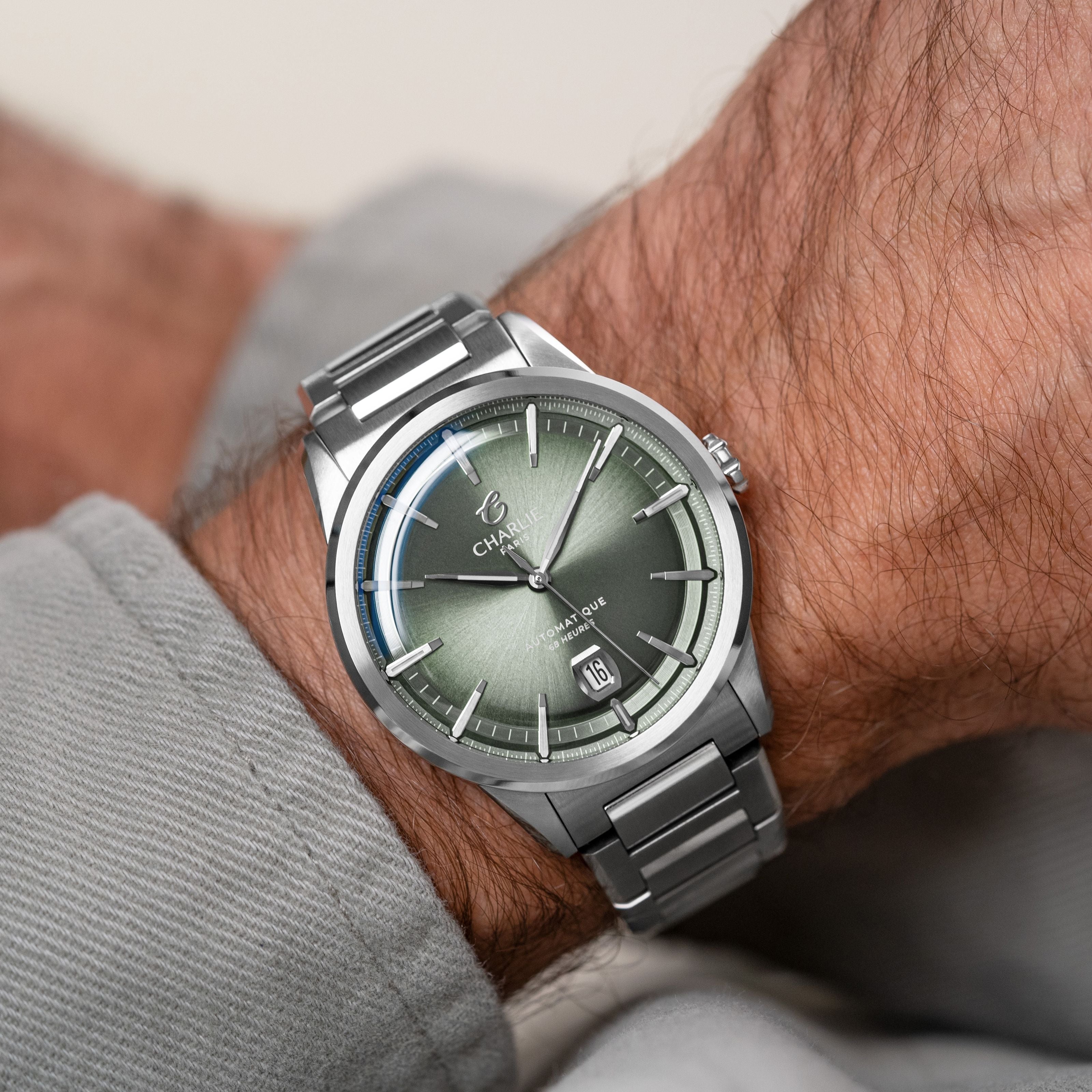
The date indicator on a watch is a very useful tool on a daily basis But when a 30-day month arrives, you always wonder how to set the date on your watch. We're going to explain how to set the date on your watch.
Setting the date on a classic quartz watch is very simple:
- Pull the crown out to position 1
- Turn the crown clockwise or counterclockwise (depending on the mechanism) to set the date.
- When you have finished, press the crown to put it in position 0.

- Automatic movement and date change: If you own a automatic watch Do not change the date during the period known as the "death zone," the time frame between 9 p.m. and 3 a.m. Indeed, it is during this time that the mechanism responsible for changing the date is triggered, and therefore performing manipulations to change the date at that moment can seriously damage the movement of your watch. To find out if your watch displays 9 PM or 9 AM, and therefore whether you can change the date on your watch, pull out the crown. Go to step 2, and advance your watch by 3 hours. If the date changes, it means your watch was showing 9 PM; if nothing happens, it was showing 9 AM, and you can therefore change the date!
- Screw-down crown and date change: If, like our watch
Concordia , your watch uses a For a screw-on crown, please follow the same instructions as before, except that you need to unscrew the crown from your watch before you can pull out the crown and set the date. To be sure not to damage the threads as well as your When screwing the crown back on your watch, take this simple precaution: using your thumb and forefinger, press the crown against the threads and turn it downwards (counterclockwise). After a short while, you will hear and feel a "click" indicating that the crown is properly engaged. You can then screw it in (clockwise) with peace of mind.
Share

Read more
Analog watch: Definition and origins
To understand the meaning of an analog watch, let's first go back to the etymology of the word analog...
Presentation of our Bisontin partner Roland Bailly
Today we have the opportunity to work with this industrial partner in the manufacturing of our movements G100.