








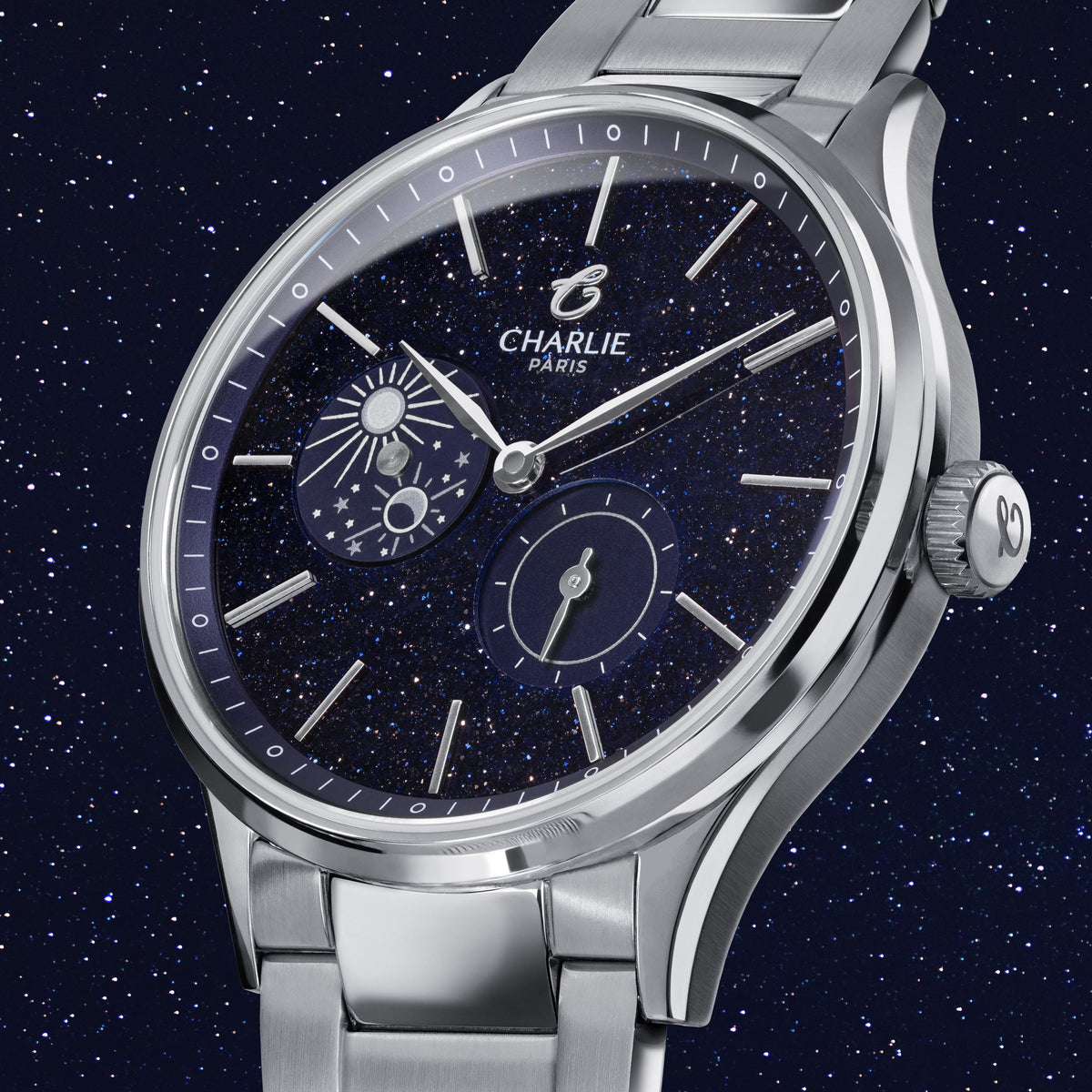



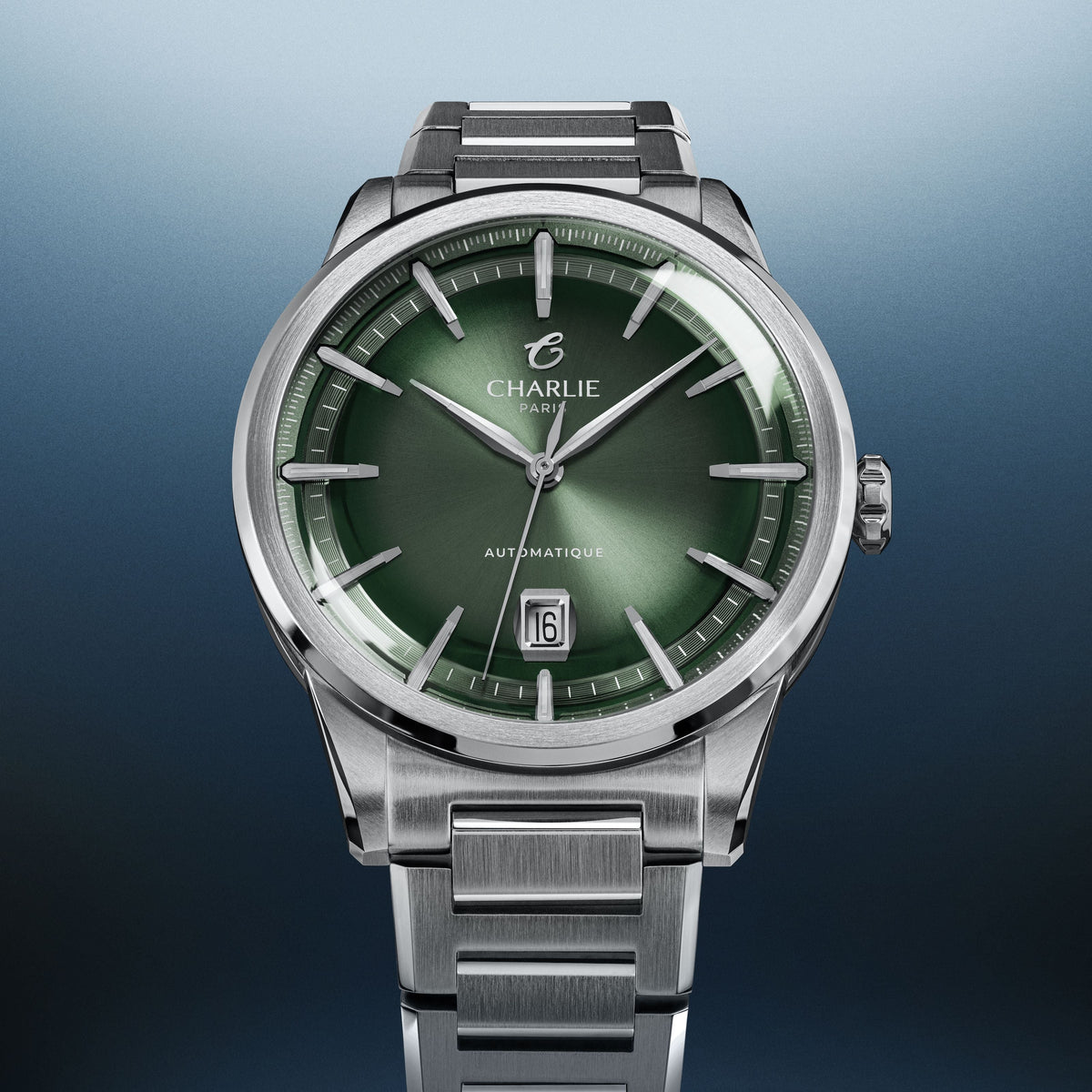
How to set the date on an automatic or quartz watch ?
The date indicator on a watch It's a very useful tool in everyday life, but when a 30-day month arrives, you always wonder how to set the date on your watch. We'll explain how to set the date on your watch.
Setting the date on a classic quartz watch is very simple:
- Pull the crown out to position 1
- Turn the crown clockwise or counterclockwise (depending on the mechanism) to set the date.
- When you have finished, press the crown to put it in position 0.

Automatic movement and date change: beware of the "dead zone"
If you own an automatic watch, a golden rule applies: never change the date during the period known as the "death zone" (or critical zone), which generally extends between 9 p.m. and 3 a.m.
It is during this brief period that the internal mechanism responsible for the date change is activated. Forcing or attempting to change the date at this precise moment can seriously damage the gears of your movement.
How do you know if you are in the death zone?
To ensure you don't risk damaging your movement before setting the date, follow this simple tip:
- Pull the crown of your watch out to the last notch (position 2).
- Advance the hands by more than 3 hours.
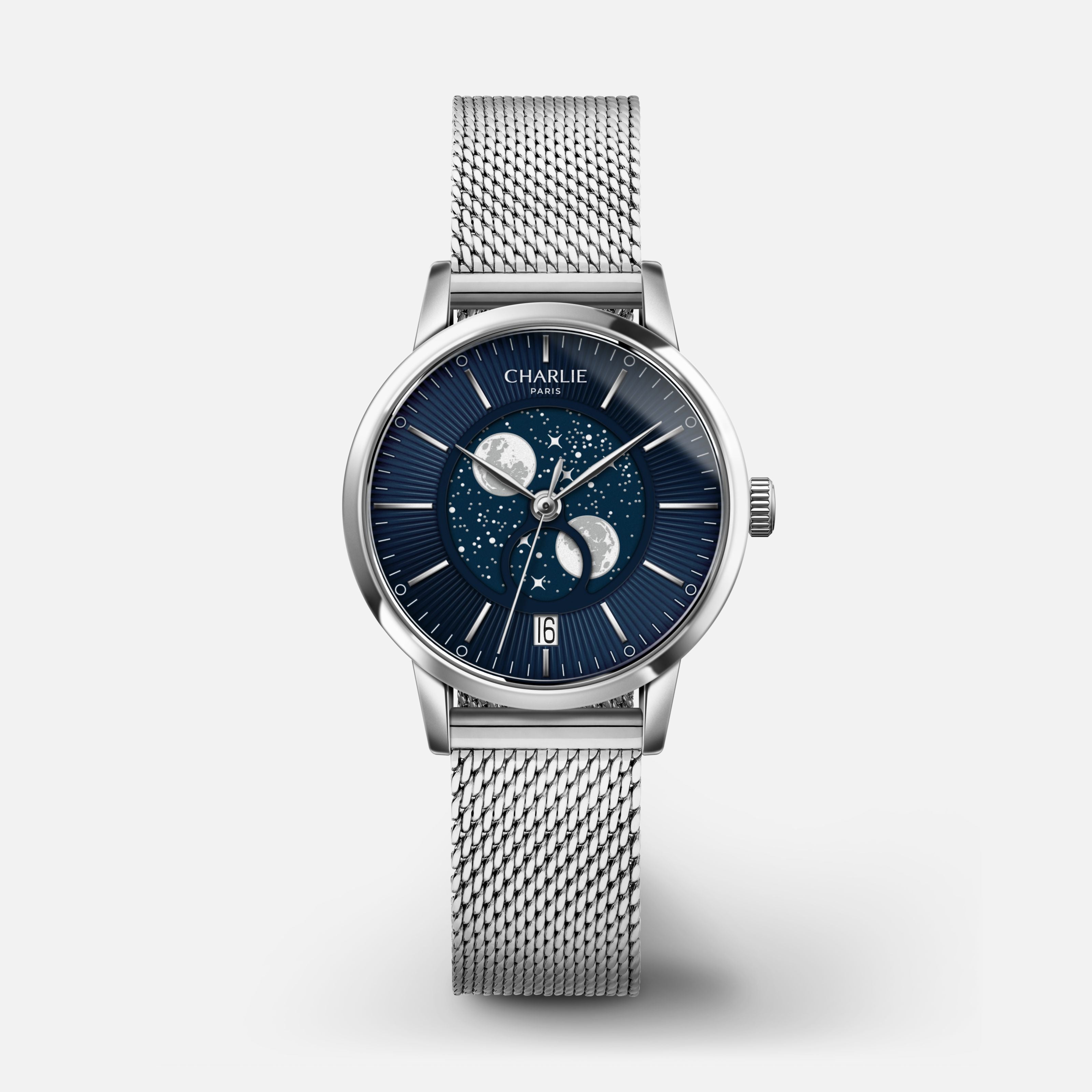
- Observe the date window:
- If the date changes, it means your watch indicated between 9pm and 3am (you were in the critical zone).
- If nothing happens, it means that it indicated the morning or afternoon in a safe zone: you can set the date and time safely!

Screw-on crown and date change: instructions for use
If your timepiece is water-resistant and uses a screw-down crown (like our iconic model)
Before being able to pull the crown for set the time or the date, you must unscrew it by turning it towards you.

Read more
To understand the meaning of an analog watch, let's first go back to the etymology of the word analog...
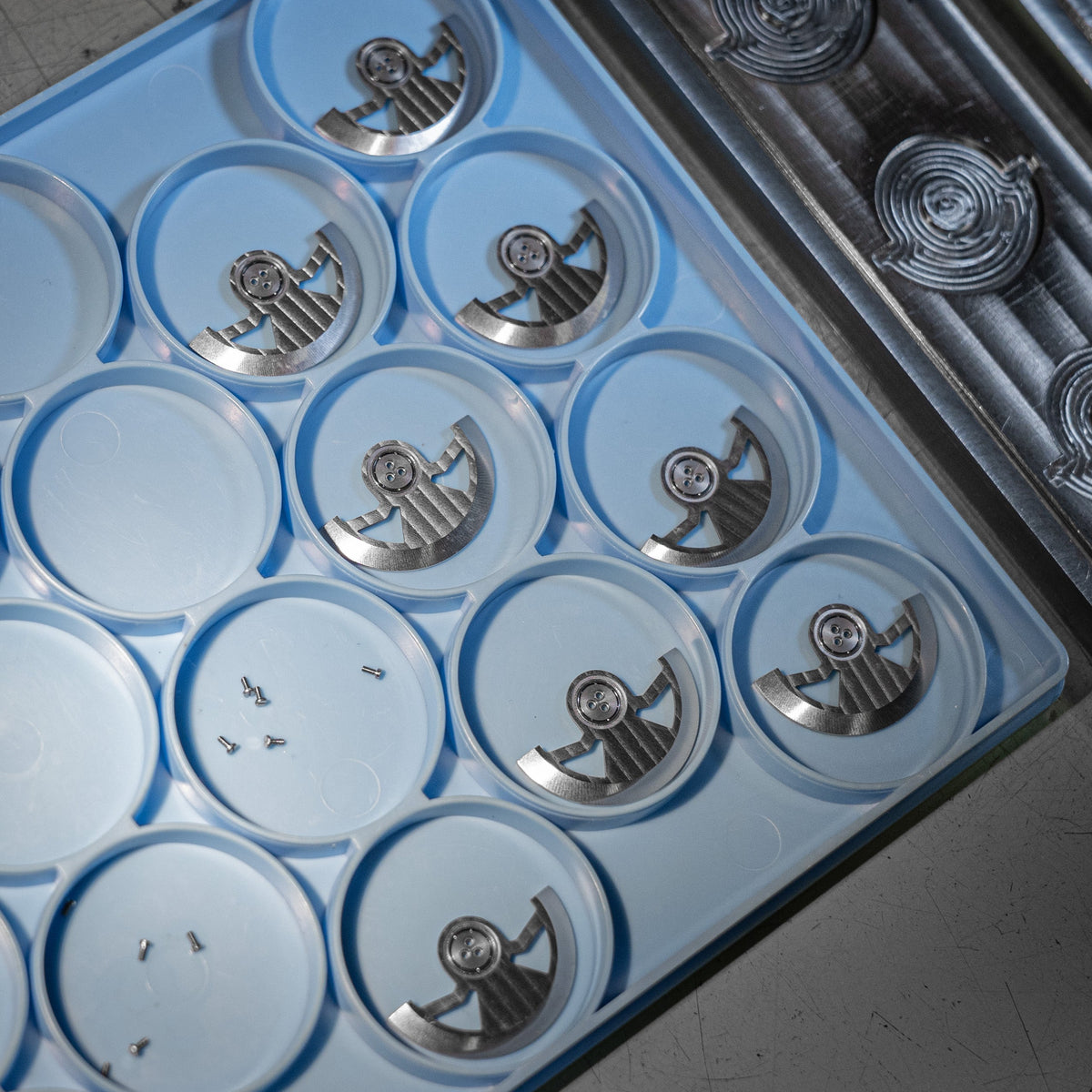
Today we have the opportunity to work with this industrial partner in the manufacturing of our movements G100.