








Skip to content

<tc>Cart</tc>

<tc>Your cart is empty</tc>

Explore our products

You might like

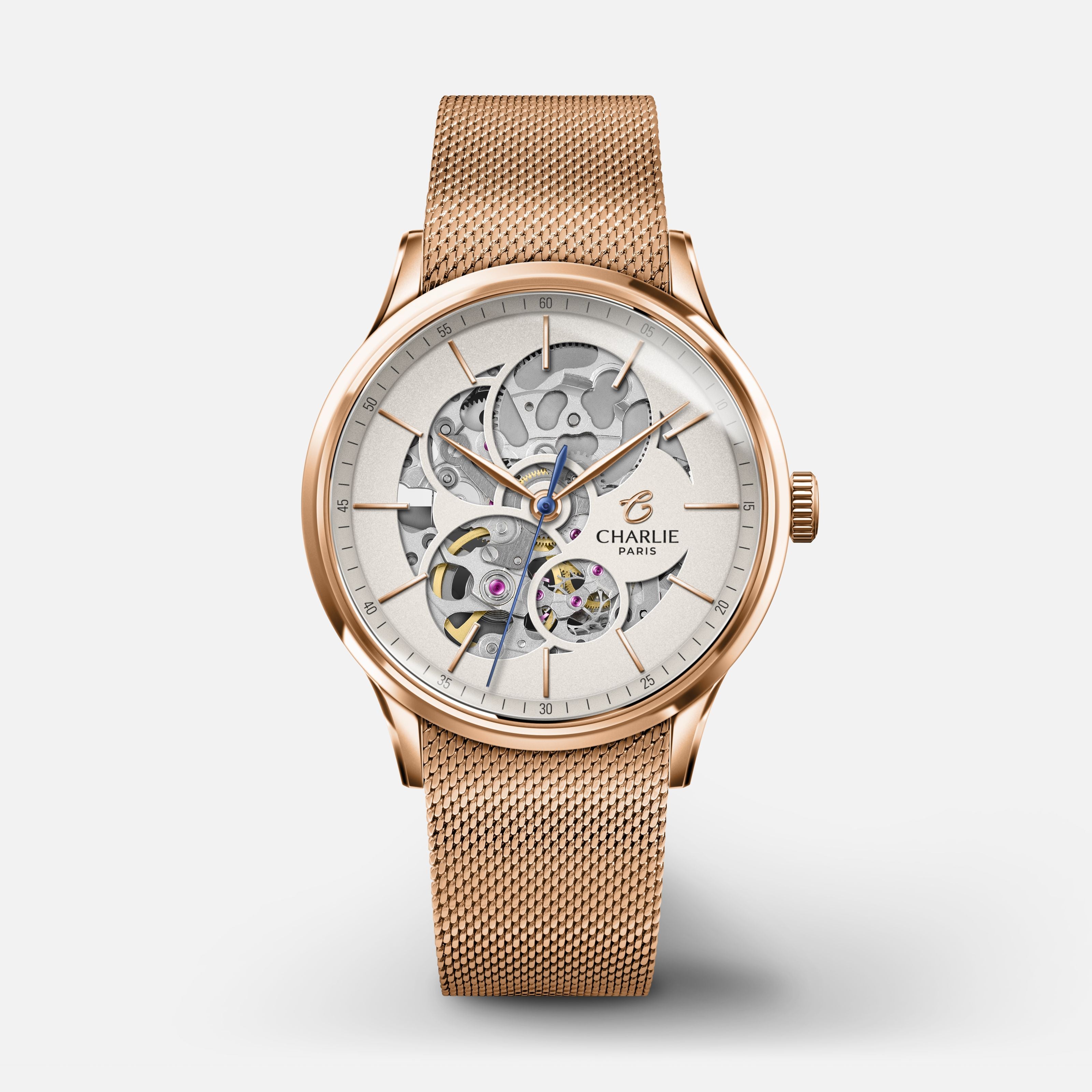
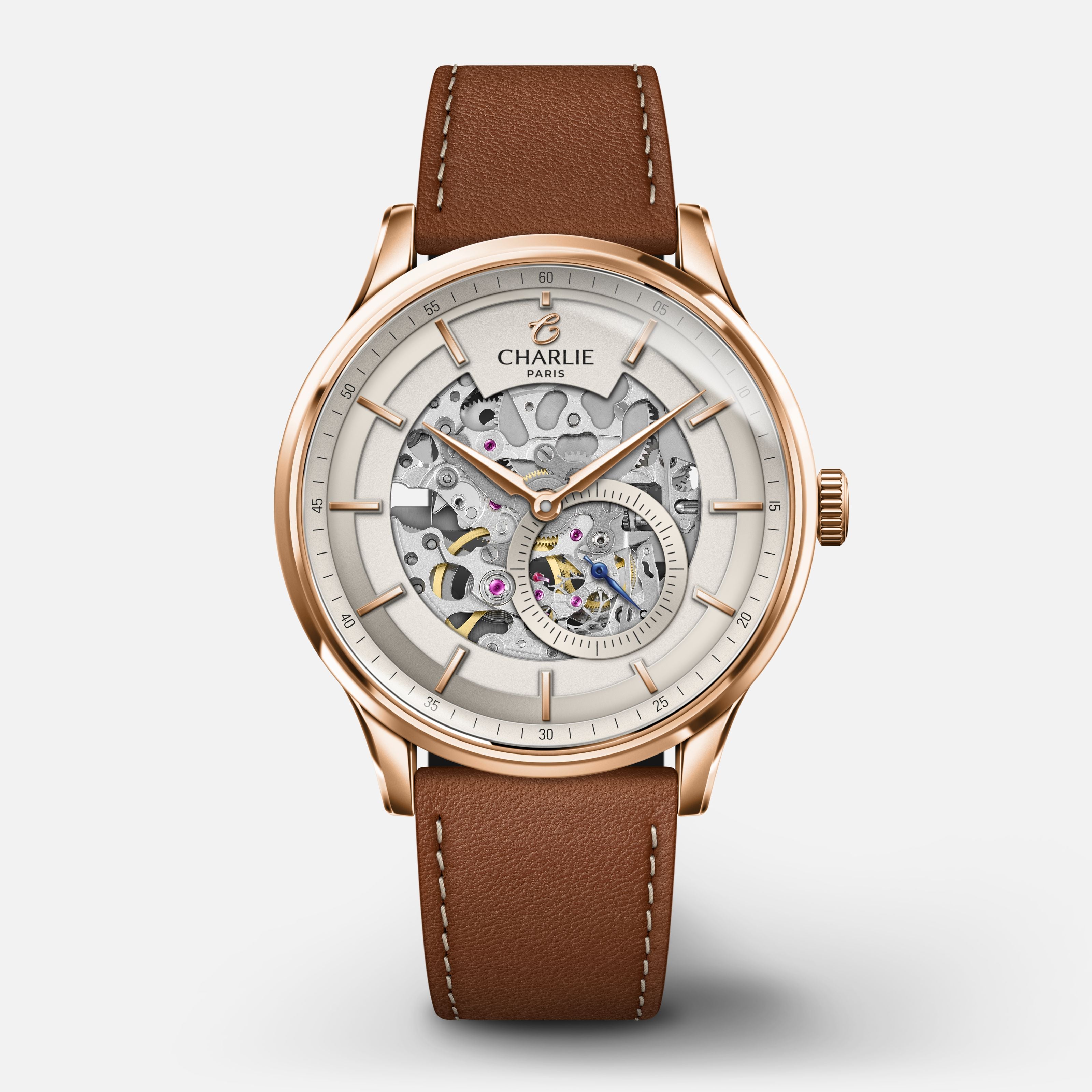
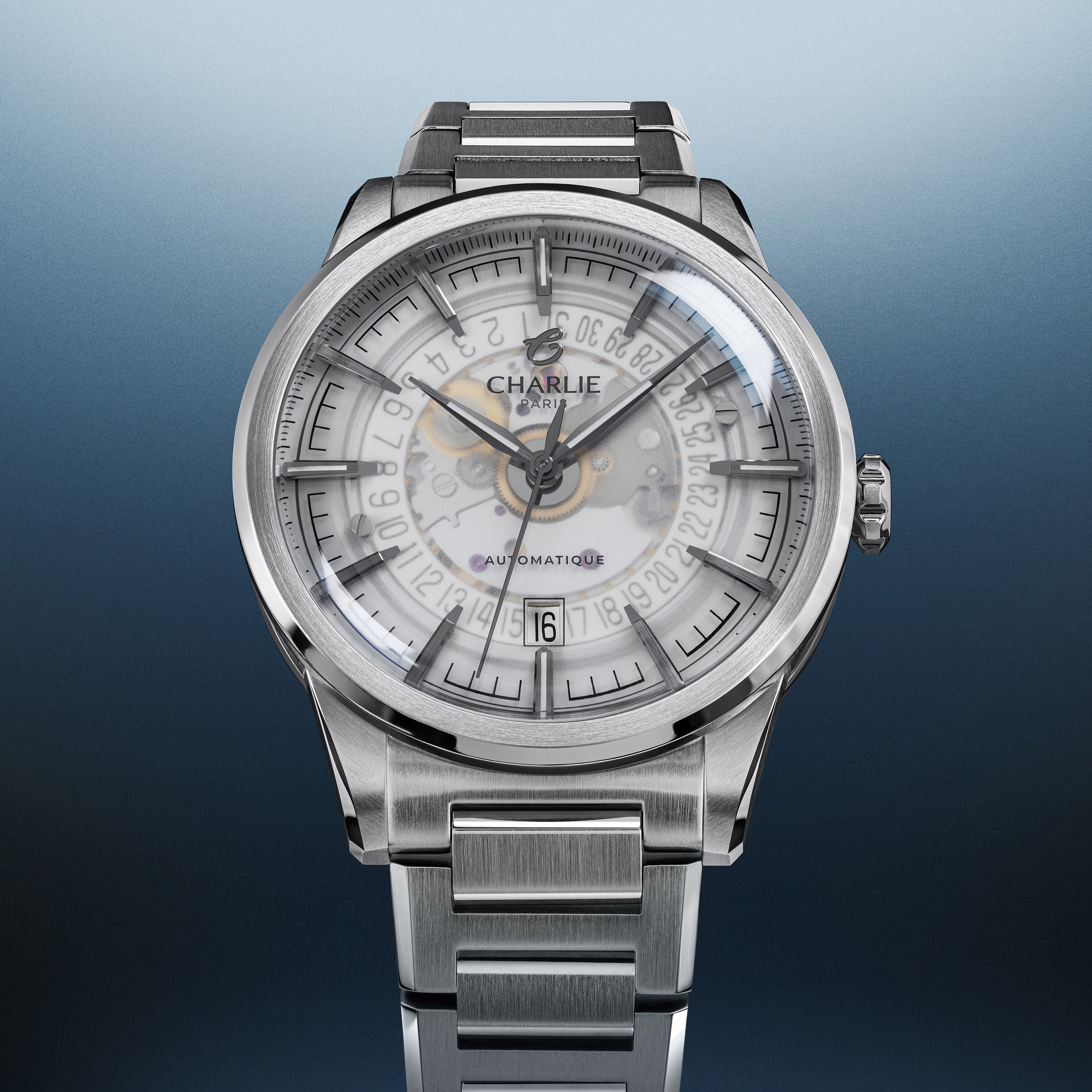
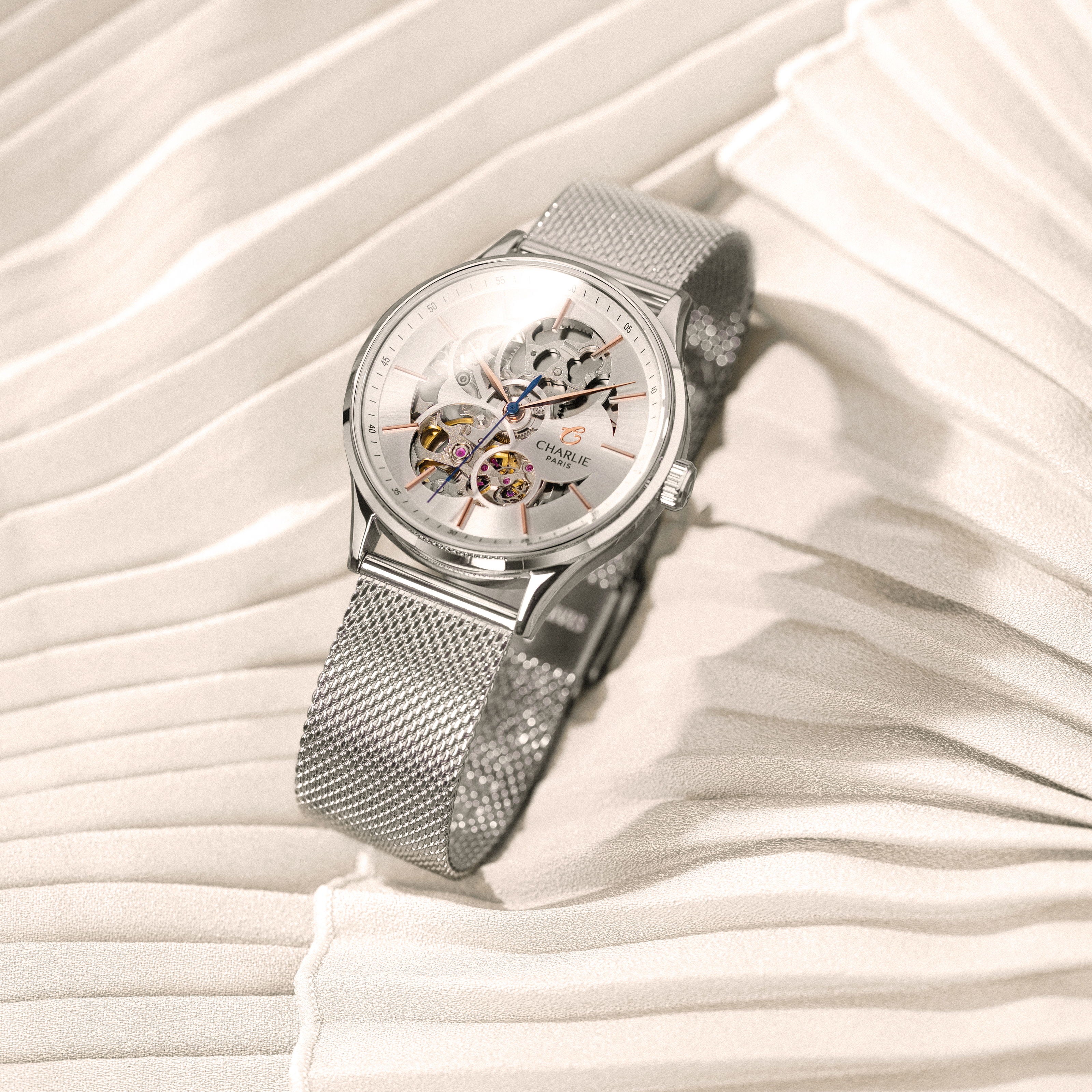
INITIAL - Automatique Squelette - Blanc Montres CHARLIE
Selling priceFrom 445 €
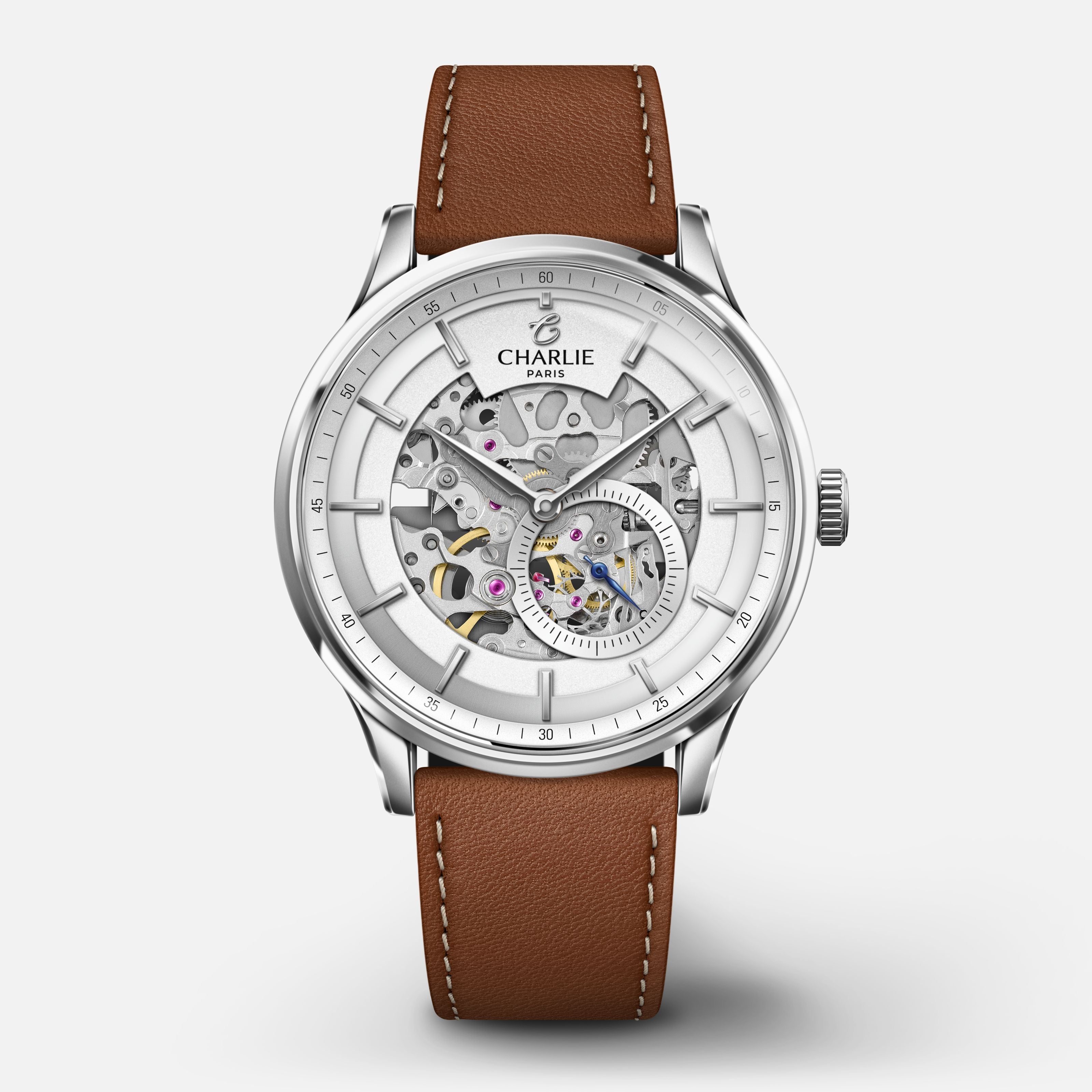
INITIAL - Automatique Squelette - Bleu Montres CHARLIE Bracelet acier
Selling priceFrom 445 €
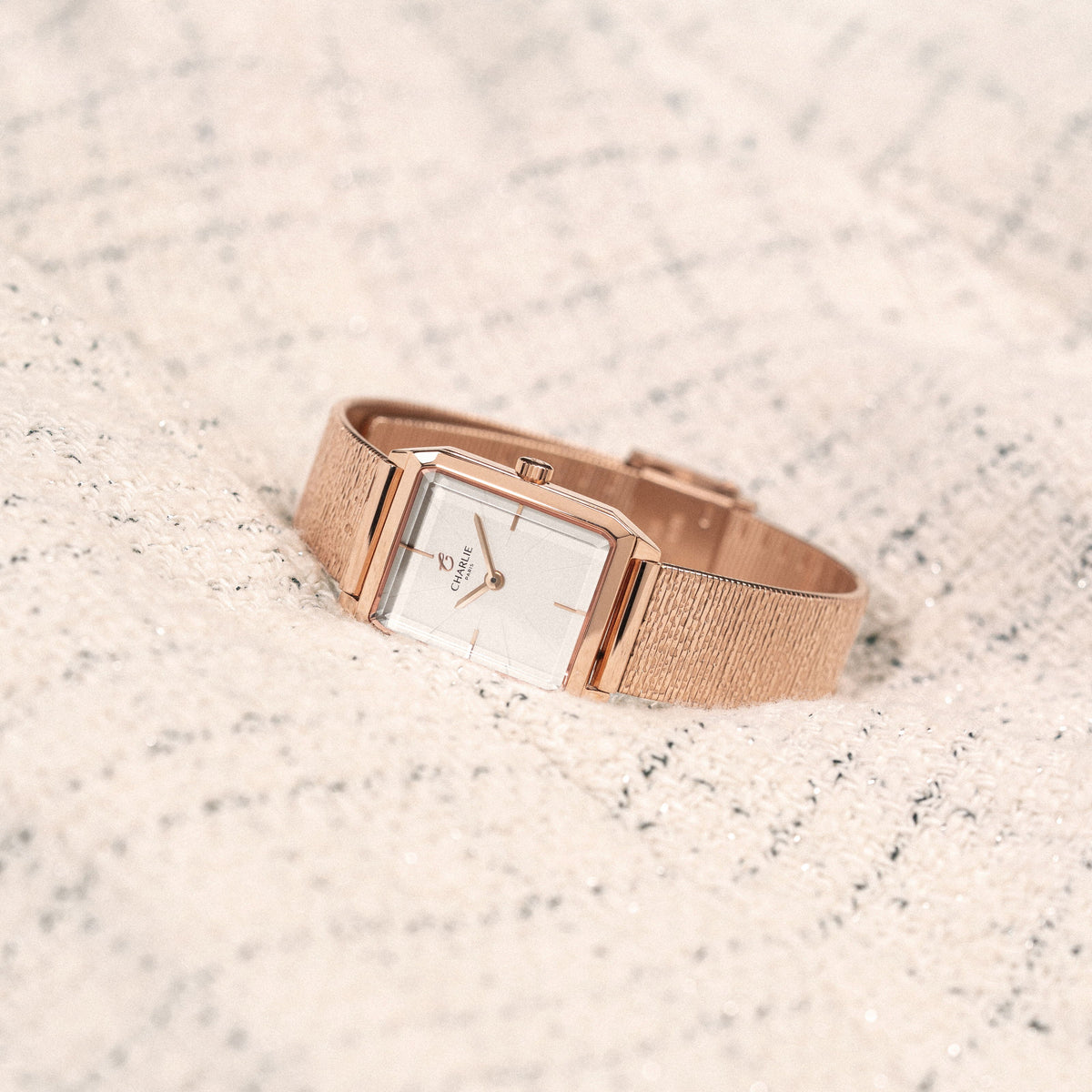
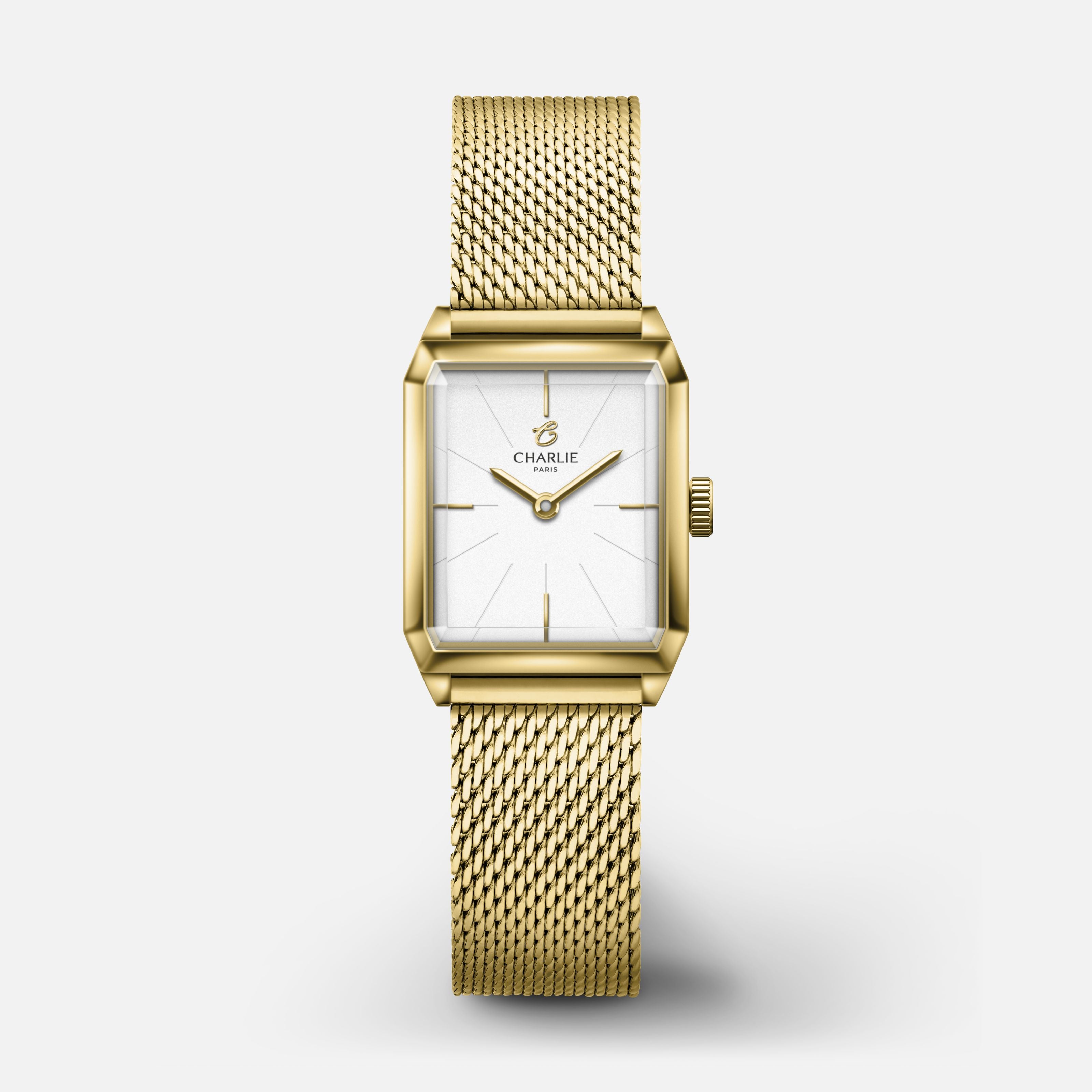
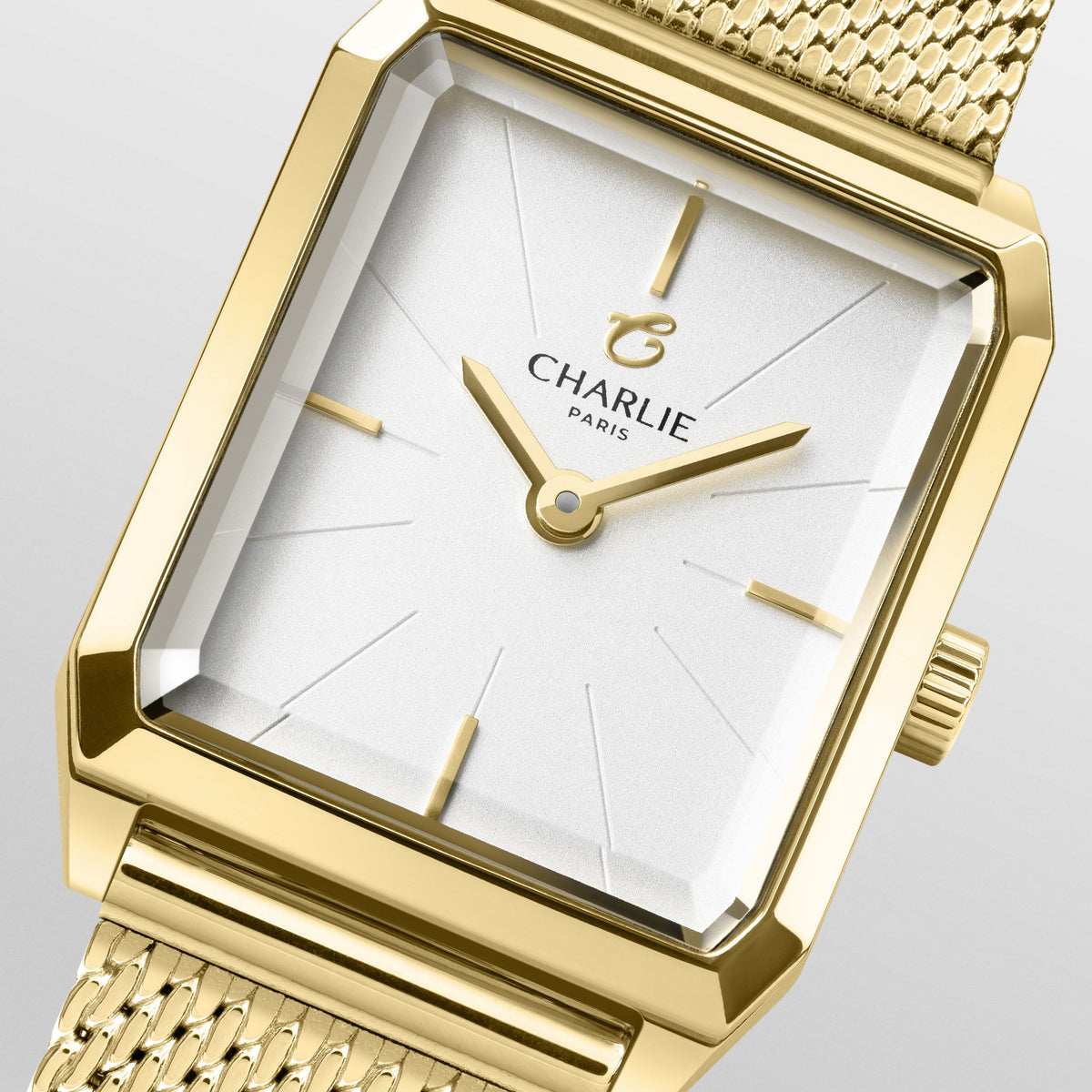
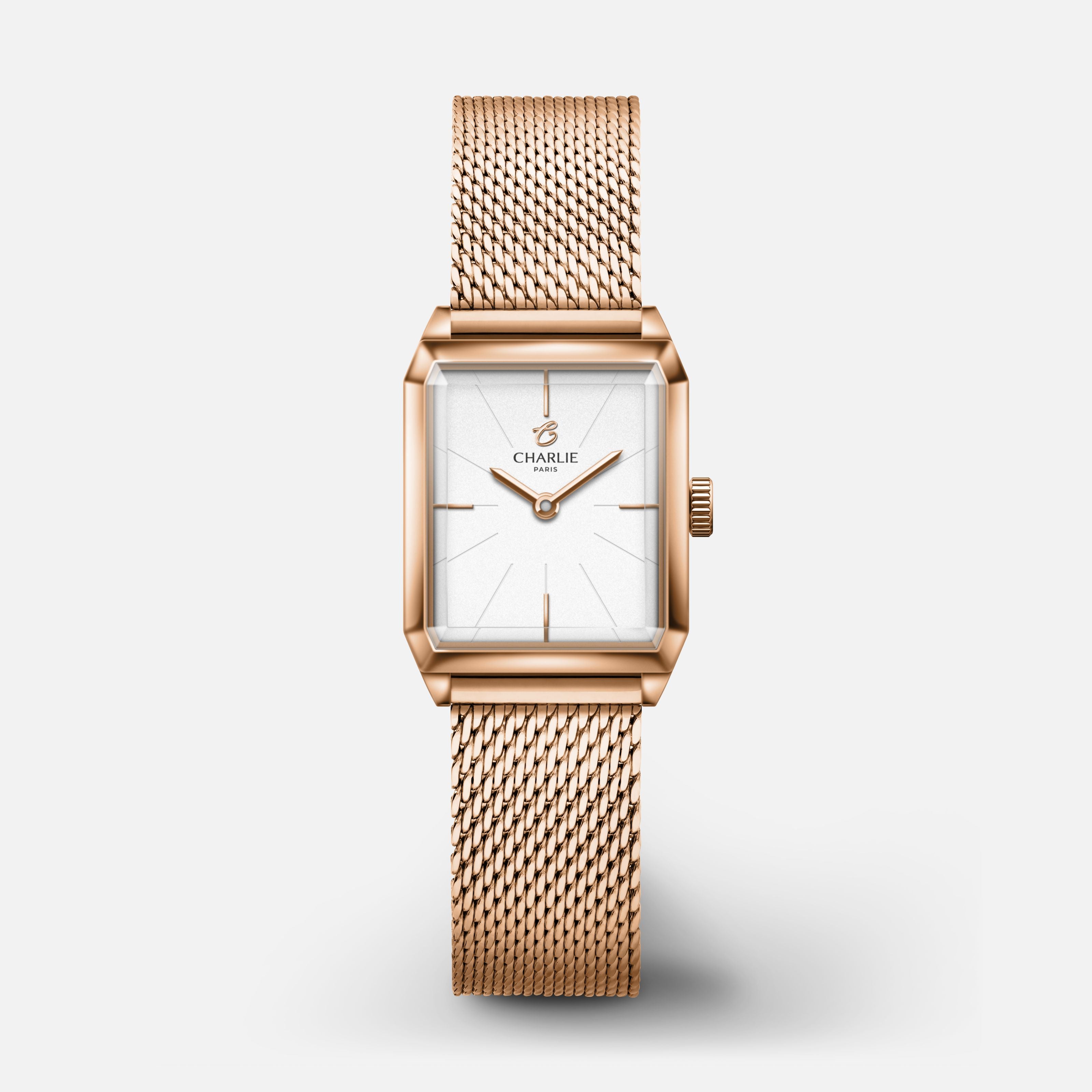
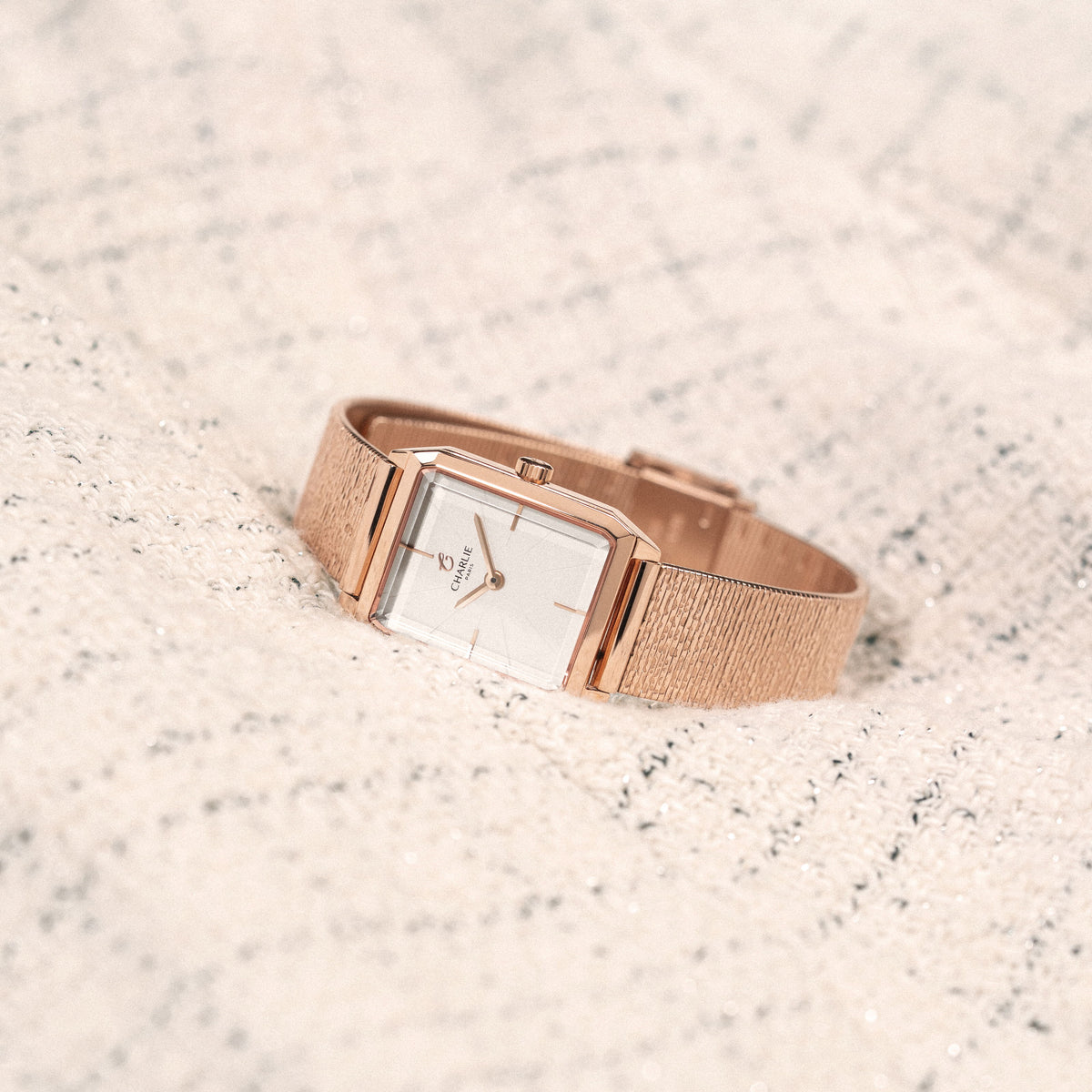
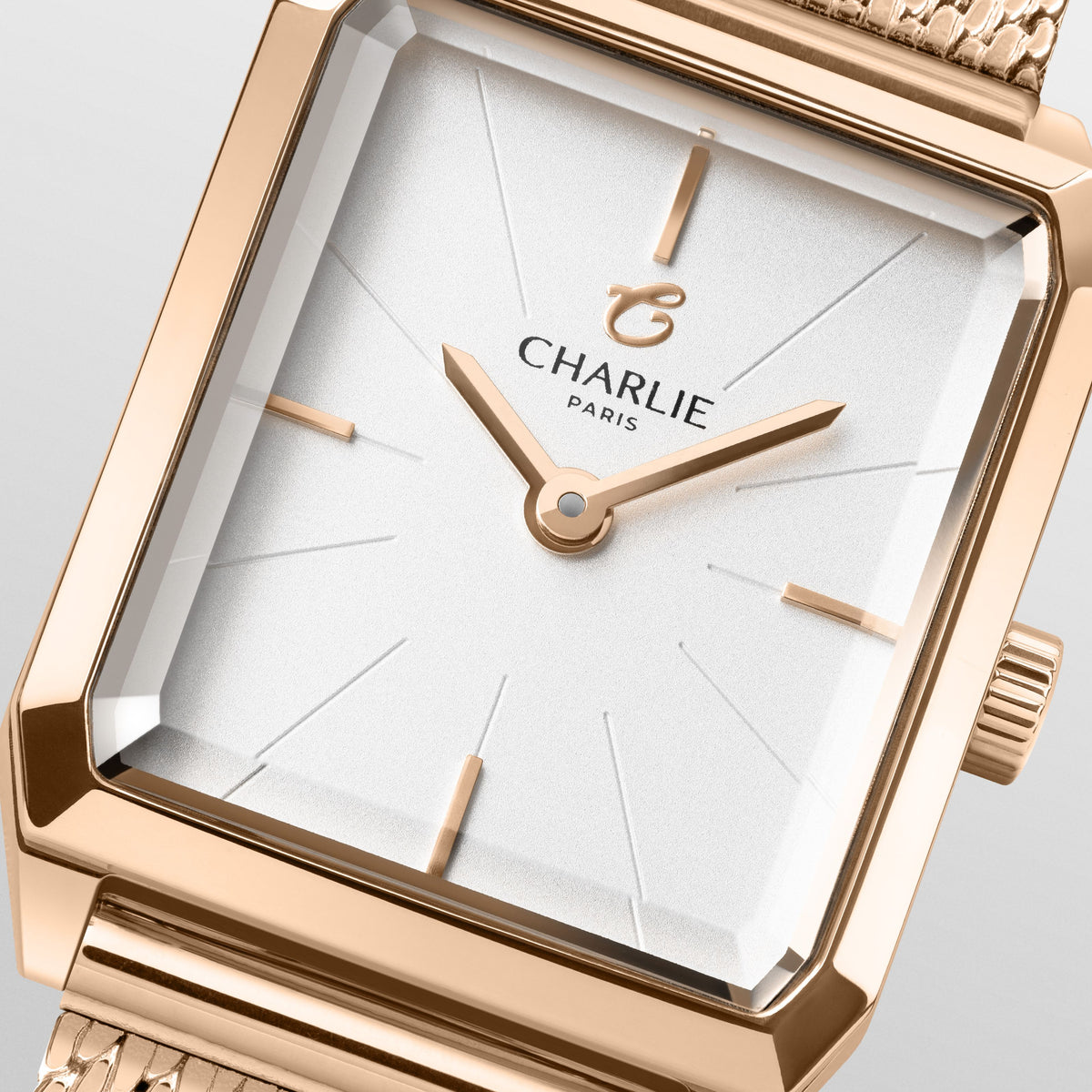
<tc>MONCEAU</tc> - Rose gold
Selling price245 €
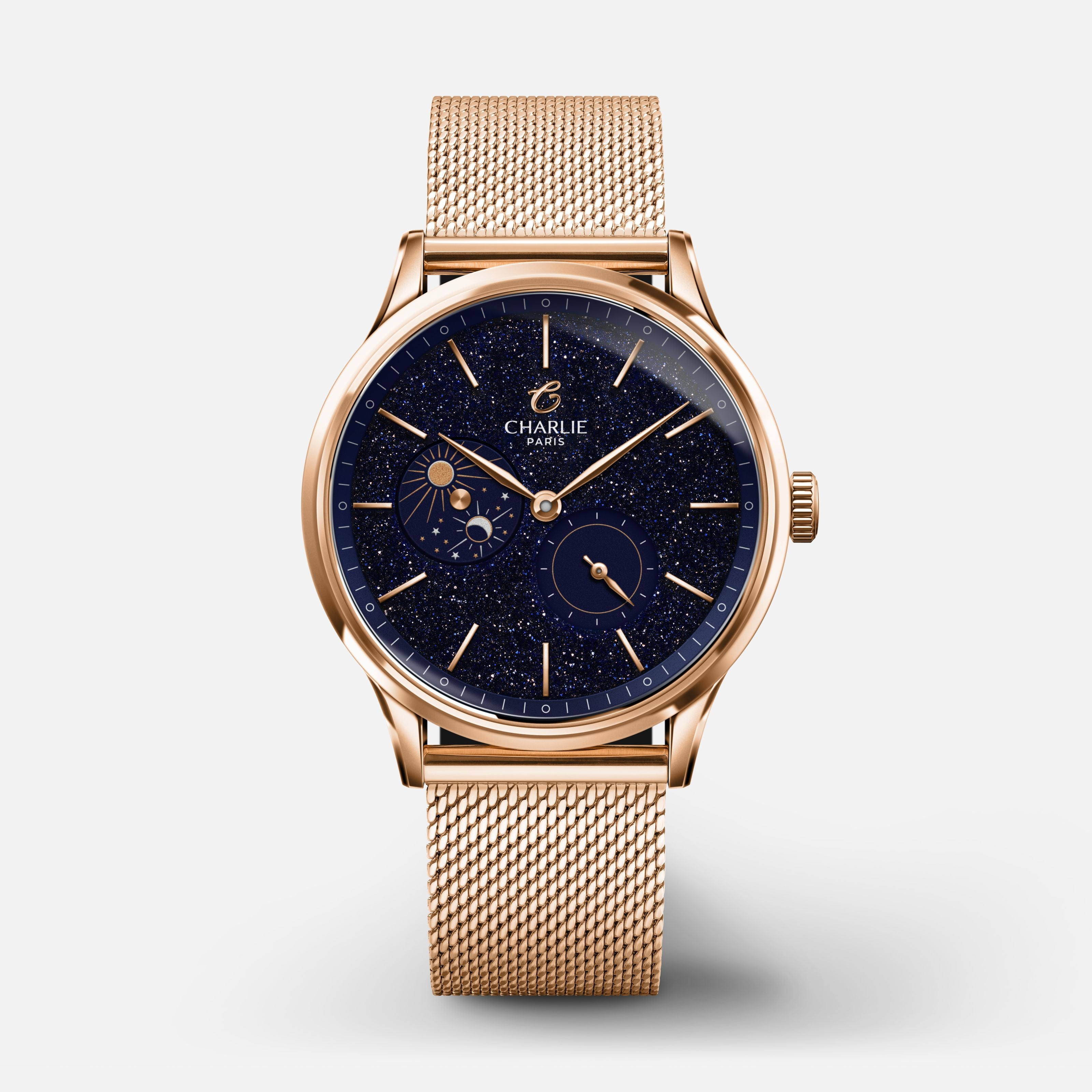
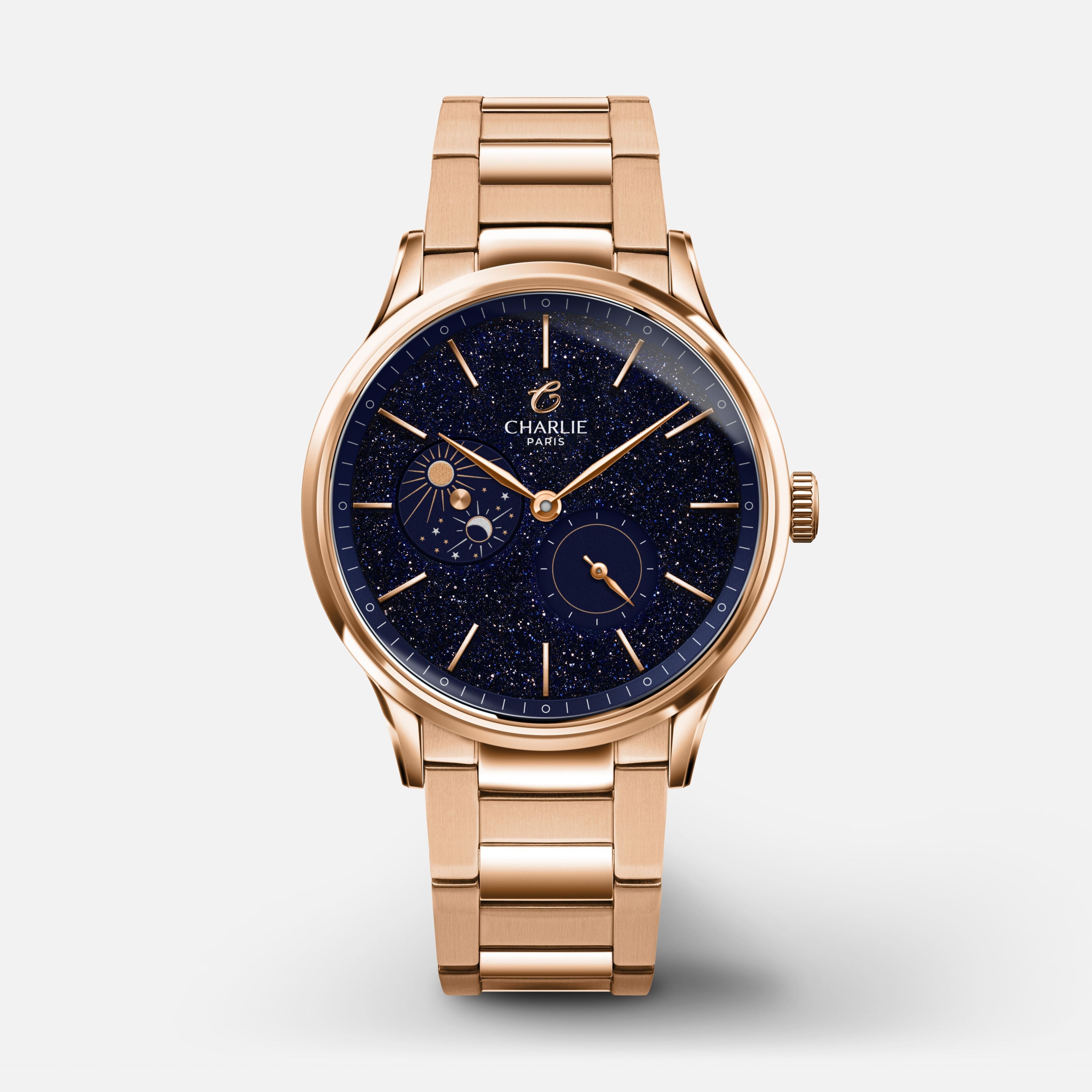
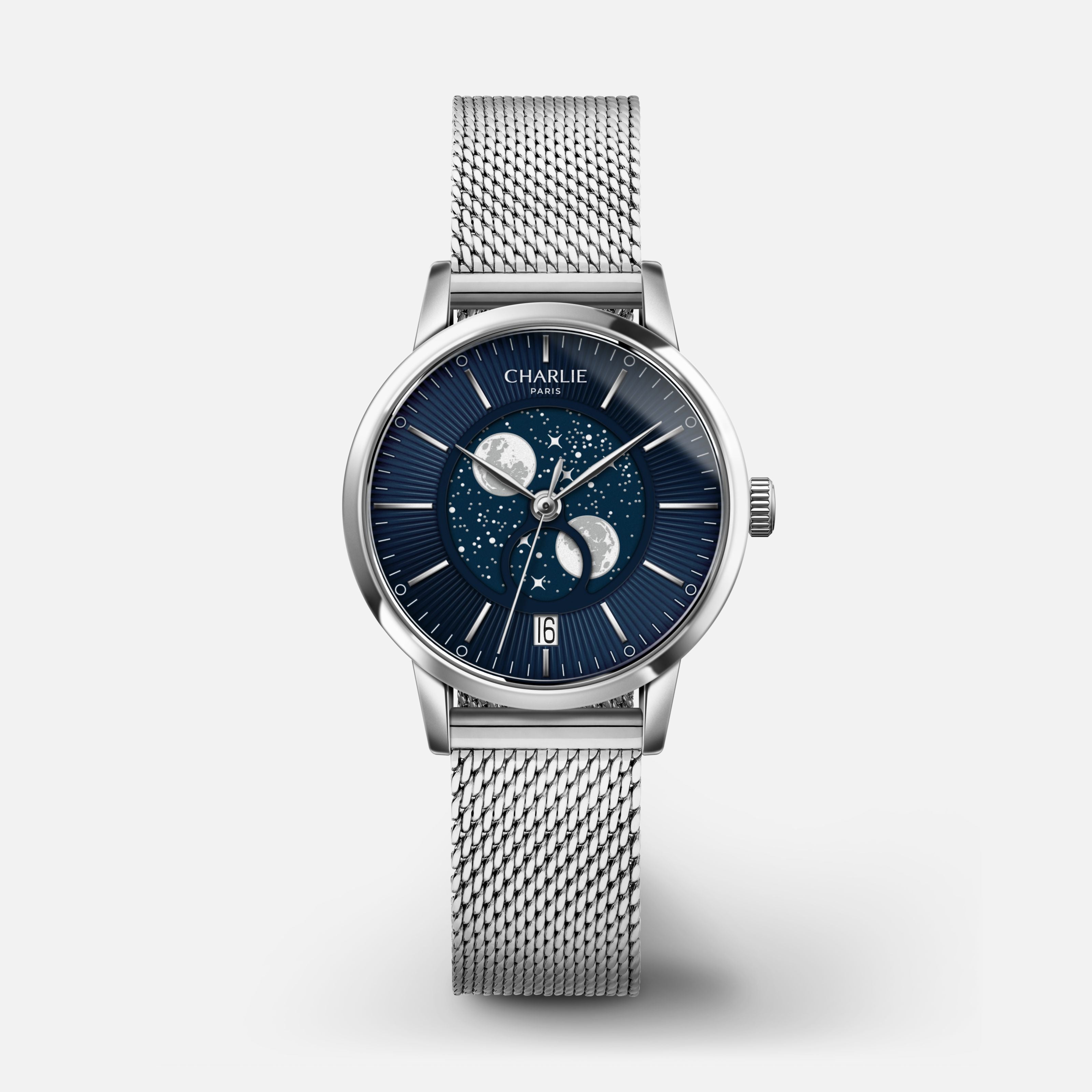
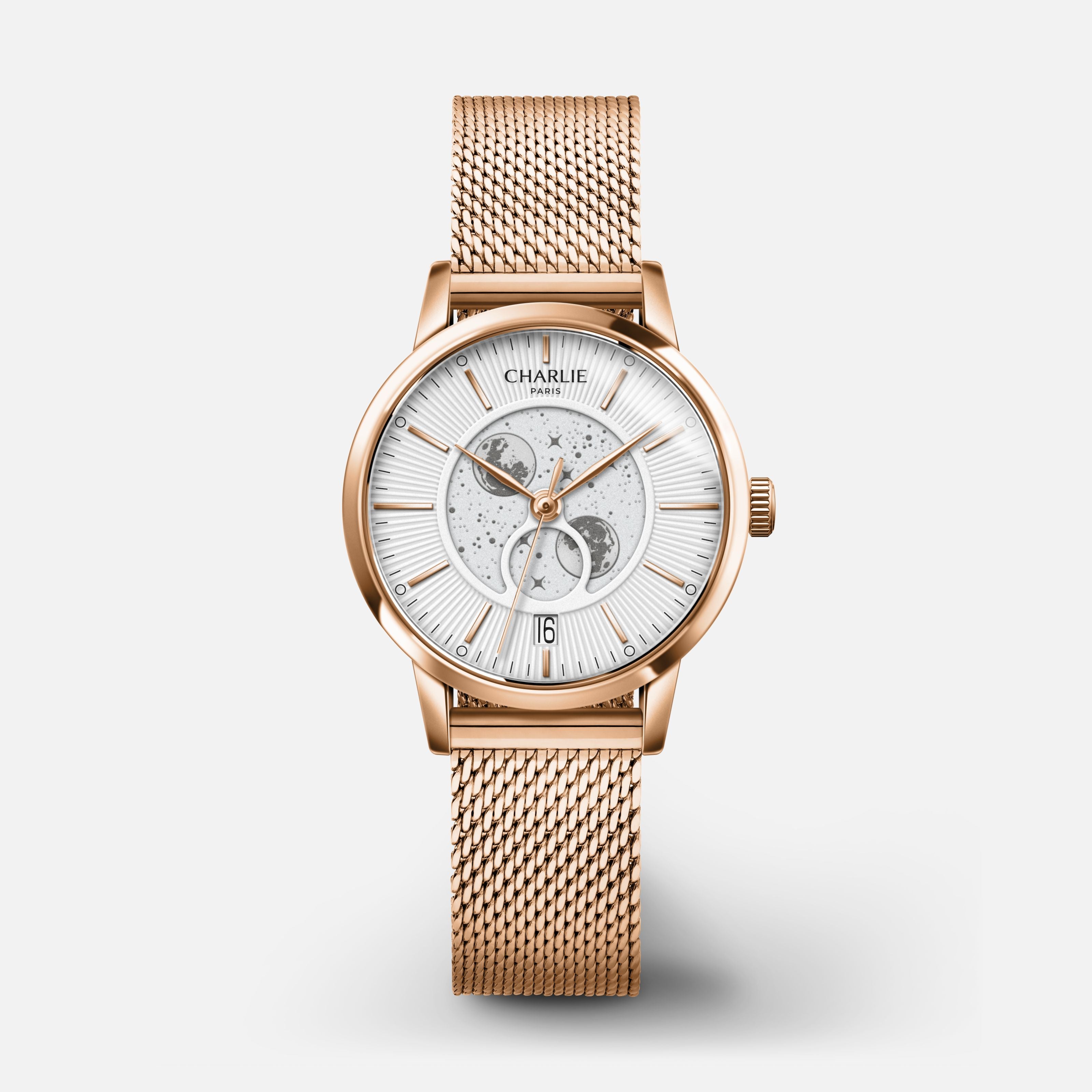
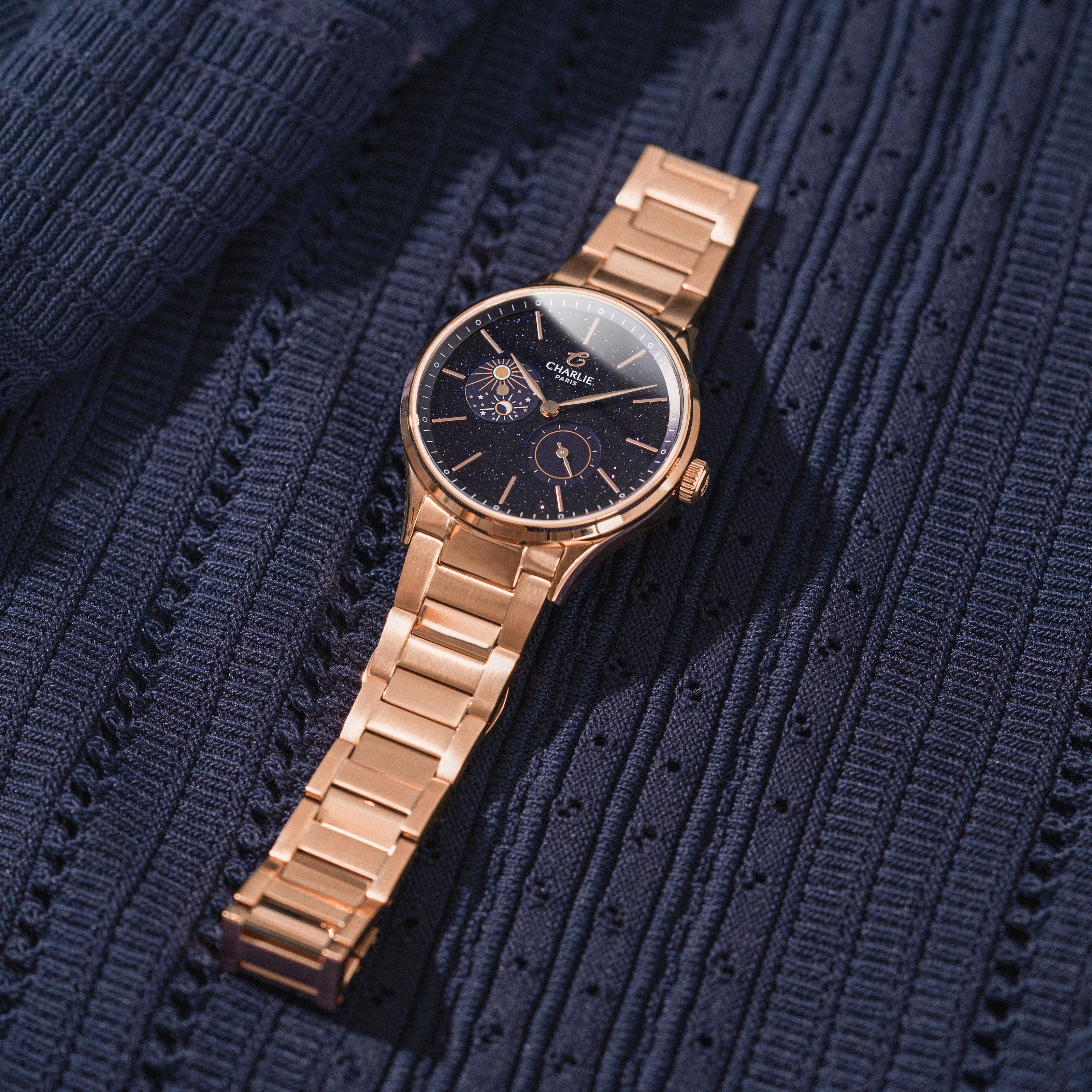
SULLY - Quartz Phase de Lune - Doré rose & Bleu Montres CHARLIE Maille milanaise
News
ELEGANCE IN SUMMER

THE TASTE OF SUNNY DAYS

This summer, Charlie Paris is savoring the passing of time as the sunny days unfold. With their warm hues and fruity charm, our timepieces add a touch of freshness and elegance to your wrist.

EXPLORE
2 brand-new colors

Monceau

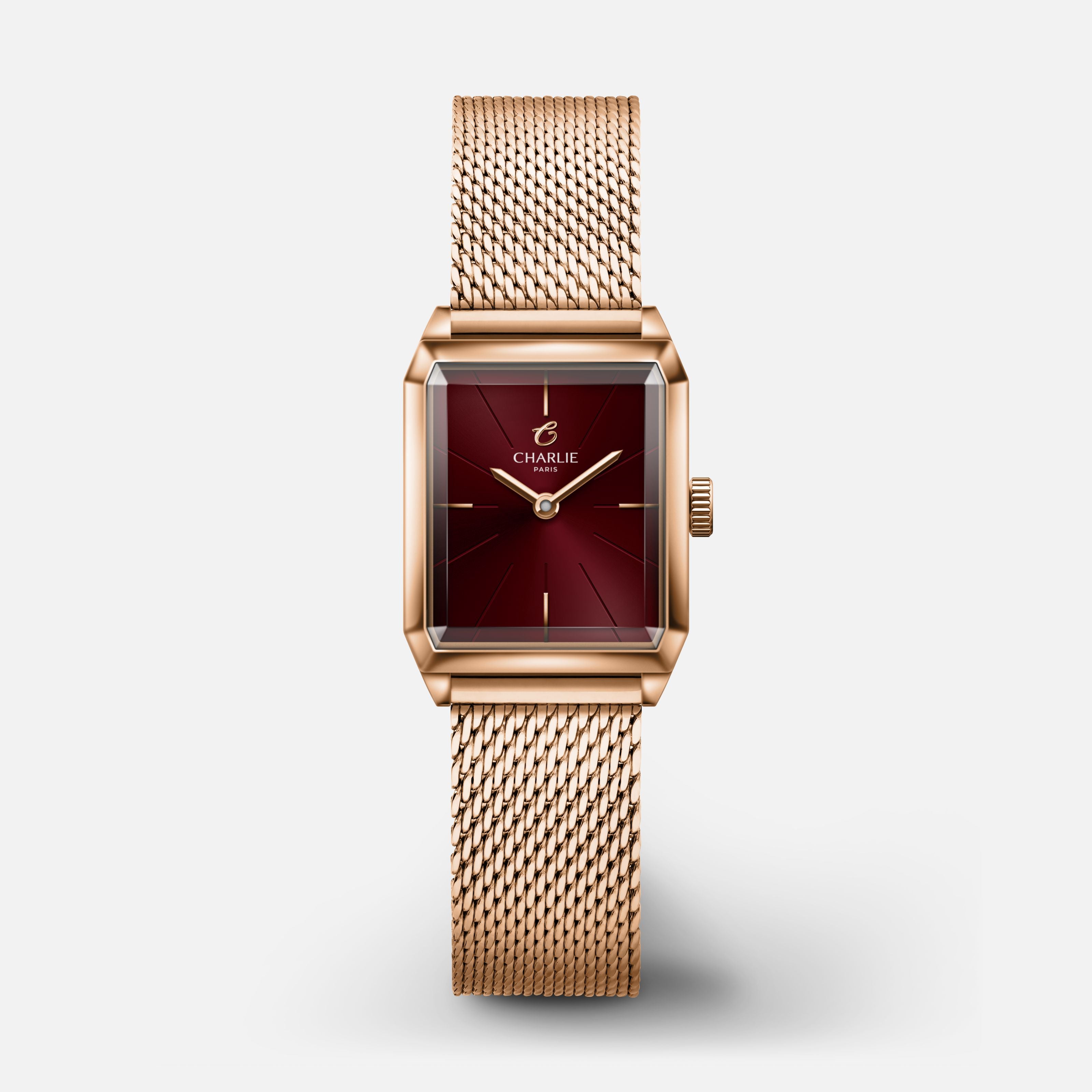
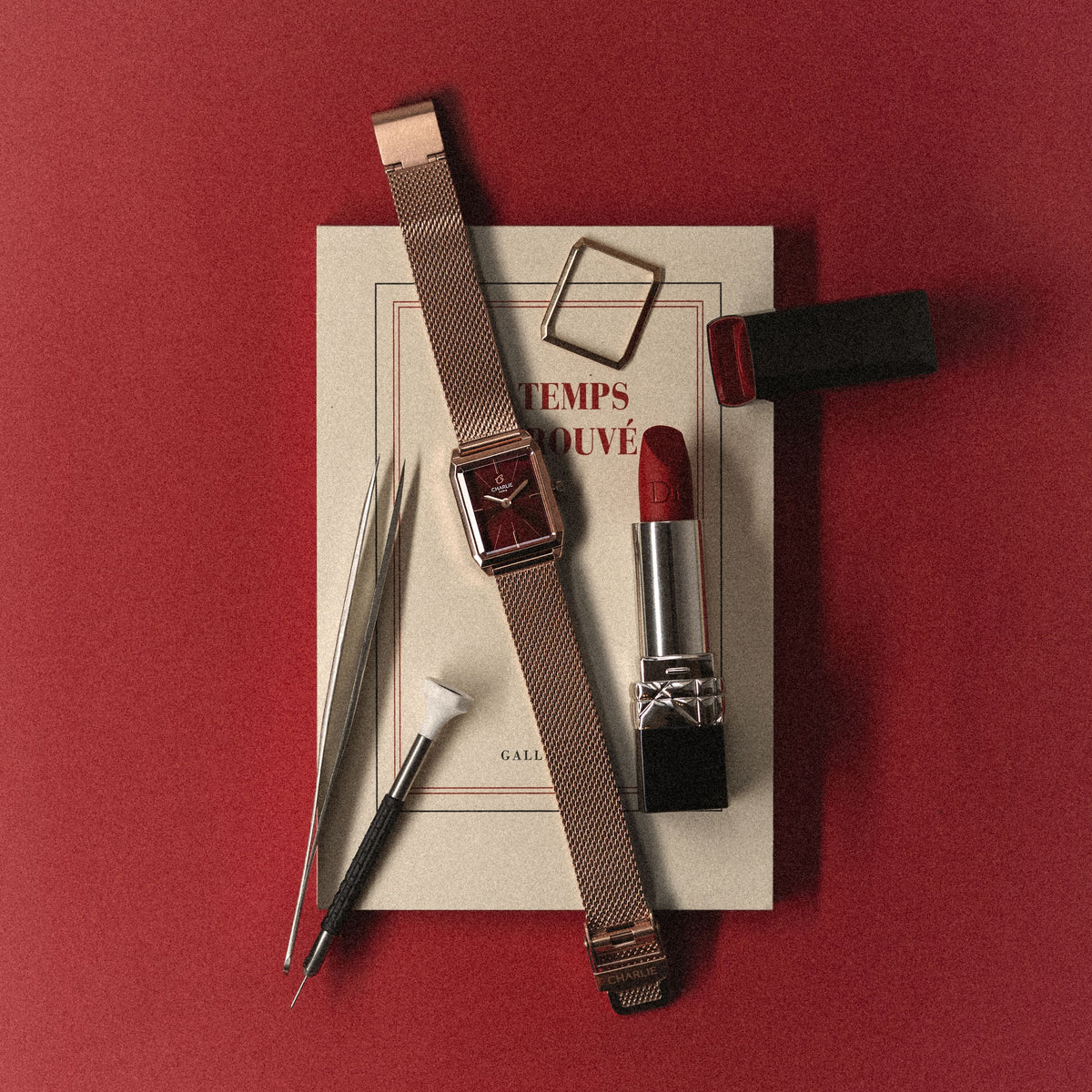
The Monceau collection expands its palette with two timeless new colors. Deep blue and rich burgundy enhance its refined octagonal case, designed as an elegant everyday companion.

Discover
Comment régler l'heure sur sa montre ?
1 min read

How to set the time on your watch ?

Many of you wear a watch of Charlie Paris, but when the time change When your phone arrives, you wonder how to set the time on your phone. watch. So in this article and video, we'll explain how to change the time on your watch. For a quartz watch as for a automatic watch, The procedure is the same for setting the time.

  1. Pull the crown out to position 2.
  2. Turn the crown to set the time as desired.
  3. When you have finished, press the crown to the 0 position. Check that the crown is properly engaged; it is what guarantees the water resistance of your watch.

If like our dive watch Concordia, Your watch uses a screw-down crown. Please follow the same instructions as before, except that you must unscrew the crown before pulling it out to set the time. To avoid damaging the threads and your watch, when screwing it back on, take this simple precaution: use your thumb and forefinger, press the crown against the threads, and turn it downwards (counterclockwise). After a short while, you will hear and feel a "click," indicating that the crown is properly engaged. You can then screw it back in (clockwise) with peace of mind.
Share